
Intro
Managing Jenkins users can get messy, especially with multiple teams. By integrating Jenkins with Keycloak via OpenID Connect (OIDC), we can use a single set of credentials and centrally manage access.
Why OIDC with Keycloak?
- Single sign-on across tools
- Centralized user/group management
- Easy mapping to Jenkins roles
The Setup
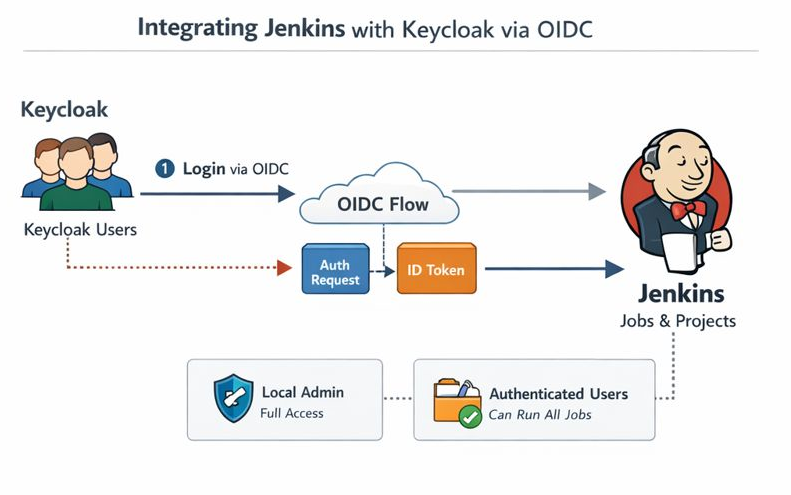
- Keycloak Client: Jenkins is registered as an OIDC client. Redirects and secrets are configured.
- Jenkins Plugin: The OpenID Connect plugin allows Jenkins to delegate authentication to Keycloak.
- Authorization: Project-based matrix is used. Local admin is retained for fallback, and Keycloak-authenticated users can run all jobs.
Results
- Users can log in with existing Keycloak accounts
- No need to maintain separate Jenkins credentials
- Role mapping allows fine-grained control
Conclusion:
Integrating Jenkins with Keycloak is straightforward and makes user management much easier. Using OIDC ensures secure, standardized authentication while keeping Jenkins projects protected.
Fore more detailed setup instructions, head to my wiki.
Found this helpful? You can support me:
[](https://www.buymeacoffee.com/grizzly_coda)Author Profile

Latest entries


Categories: